Tutorial #03 of 13
7 min
Getting Started
Understand Permissions and Safety
TUTORIAL GOAL
User knows which operations require explicit approval and how to review permissions before execution.
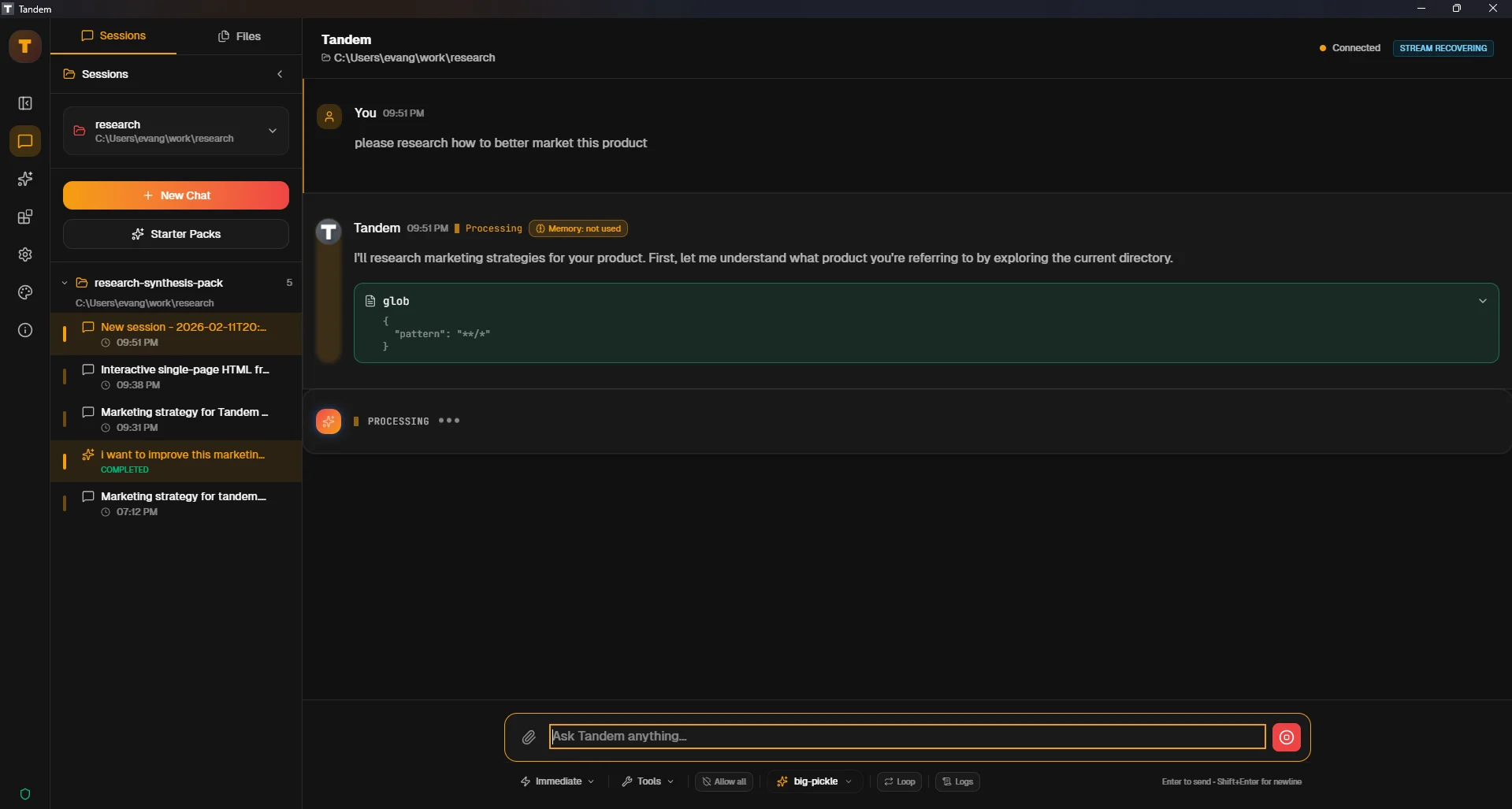
Click to view fullscreen
→ Why This Matters
Tandem never executes file writes, deletions, or terminal commands without your one-click approval. Understanding this flow prevents accidental edits and builds safe habits.
→ What You Will Do
- Identify operations that require approval
- Locate approval prompts in UI
- Practice approving or rejecting an operation
→ Step-by-Step Guide
1
Ask Tandem to create a new file (example: `Create a test file called hello.txt with 'Hello World'`)
2
Wait for the agent to stage the operation
3
Locate the approval button in the UI (usually highlighted or in a panel)
4
Click approve to execute, or reject to cancel
5
Verify the file was created (or not created if rejected)
✓ Verification Checklist
- You can identify when an operation needs approval
- You successfully approved or rejected an operation
- The operation outcome matches your approval decision
⚠ Common Mistakes
- •Approving operations without reading the description
- •Expecting immediate execution without approval
- •Not checking file system after approval to confirm changes